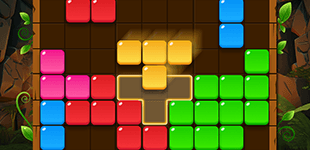
About Salazar
Looking for a fast, rewarding puzzle challenge? Salazar lets you solve clever board layouts on desktop, mobile, or Chromebook in a single click.
Salazar shines with clean visual rules, progressive levels, and rewarding combo clears. It adapts smoothly to both mouse-and-keyboard setups and mobile touchscreens.
- Platform
- HTML5 (Web, Mobile, Chromebook)
- Difficulty & Pace
- Easy to Learn · 3–8 min
- Best For
- Puzzle fans & relaxed thinkers
How to Play Salazar
- 1Observe the entire puzzle layout before your first move to spot immediate matches or open lanes.
- 2Interact with tiles, blocks, or pieces using clicks or swipes to fulfill the level objective.
- 3Trigger chain combos or clear blocking obstacles to keep plenty of playable room open.
- 4Finish the board objective within available moves or time to unlock the next challenge.
Desktop / PC Controls
Use your mouse to click, drag, or swap pieces on the puzzle board.
Mobile & Tablet Controls
Tap or swipe directly on the puzzle grid to move and match pieces.
Pro Tips & Winning Strategies
- Look one or two moves ahead—clearing a single keystone piece often solves multiple spots at once.
- Work on tight corners and constrained edges early before your options narrow down.
- Don't rush untimed turns; scanning the whole screen takes two seconds and saves entire runs.