About Lane Battles
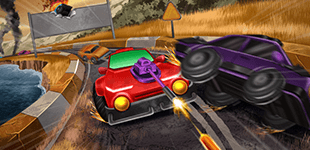
Lane Battles delivers high-velocity dodging, crisp cornering, and intense distance streaks in a crisp HTML5 package you can launch anytime without app stores or waiting rooms.
Whether you have three minutes between tasks or want to beat your personal high score, Lane Battles keeps every session fresh with high-velocity dodging, crisp cornering, and intense distance streaks. it appeals equally to fans of police games.
- Platform
- HTML5 (Web, Mobile, Chromebook)
- Difficulty & Pace
- Casual · 2–6 min
- Best For
- Speed demons & arcade racing fans
How to Play Lane Battles
- 1Launch onto the track and get a quick feel for steering sensitivity.
- 2Weave smoothly past rival cars, traffic lanes, and roadside hazards.
- 3Grab speed boosts, coins, or fuel pickups along safe lines.
- 4Survive as long as possible or cross the finish line first to unlock faster speeds.
Desktop / PC Controls
Use Left/Right arrow keys or A/D keys (or mouse drag) to steer cleanly.
Mobile & Tablet Controls
Tap left/right screen edges or swipe lanes to steer and dodge.
Pro Tips & Winning Strategies
- Focus your gaze near the top of the road so you spot traffic gaps well ahead of time.
- Avoid jerky lane changes at high speed—smooth small adjustments keep you in control.
- Only chase bonus pickups when the exit lane afterward is clearly open.