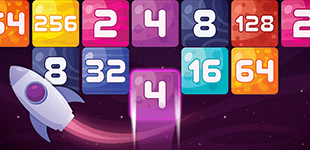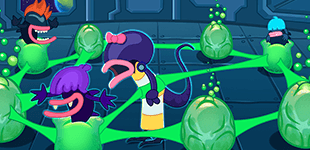
About Alien Kindergarten
Alien Kindergarten is a free-to-play HTML5 puzzle game built for instant browser play—no downloads, no installs, and no sign-ups required.
Powered by lightweight HTML5 technology, Alien Kindergarten opens in seconds with responsive touch and desktop controls. Fans of puzzle games will feel right at home from the very first round.
- Platform
- HTML5 (Web, Mobile, Chromebook)
- Difficulty & Pace
- Easy to Learn · 3–8 min
- Best For
- Puzzle fans & relaxed thinkers
How to Play Alien Kindergarten
- 1Observe the entire puzzle layout before your first move to spot immediate matches or open lanes.
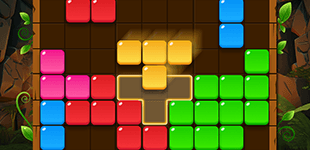
- 2Interact with tiles, blocks, or pieces using clicks or swipes to fulfill the level objective.
- 3Trigger chain combos or clear blocking obstacles to keep plenty of playable room open.
- 4Finish the board objective within available moves or time to unlock the next challenge.
Desktop / PC Controls
Use your mouse to click, drag, or swap pieces on the puzzle board.
Mobile & Tablet Controls
Tap or swipe directly on the puzzle grid to move and match pieces.
Pro Tips & Winning Strategies
- Look one or two moves ahead—clearing a single keystone piece often solves multiple spots at once.
- Work on tight corners and constrained edges early before your options narrow down.
- Don't rush untimed turns; scanning the whole screen takes two seconds and saves entire runs.